AI Chatbot Development: How to Ship a Bot People Actually Use
 Melissa AshfordCOO
AI chatbot development has never looked easier. Wire a language model to a chat box, write a system prompt, and within an afternoon you have something that answers questions in fluent English. The demo lands. Everyone in the room nods.
Then real users arrive, and the afternoon project starts to leak. The bot forgets what was said three messages ago. It invents a refund policy that doesn't exist. The monthly model bill comes in three times higher than the spreadsheet promised. Support tickets now include "your assistant told me the wrong thing."
We build and rescue chatbots at Lomray as part of our AI development services, and the distance between a good demo and a bot people trust is most of the actual work. Here's what AI chatbot development really involves once you move past the prototype.
What AI Chatbot Development Actually Requires
The demo is the easy 10%. A model that produces convincing replies is the starting line, not the finish. The hard part is everything wrapped around it. Strip it away and you don't have a chatbot — you have a very expensive autocomplete that's right most of the time and confidently wrong the rest. "Most of the time" is not a standard you can put in front of paying customers.
Here's what actually surrounds the model in a production bot:
- Memory that survives a long conversation instead of resetting every few messages.
- Retrieval that grounds answers in your real data, not the model's imagination.
- Moderation that catches the message you never wanted sent.
- A fallback for the minutes your model provider is down.
None of that shows up in the demo. All of it shows up the week you launch.
Three things that break the week you launch
It forgets everything
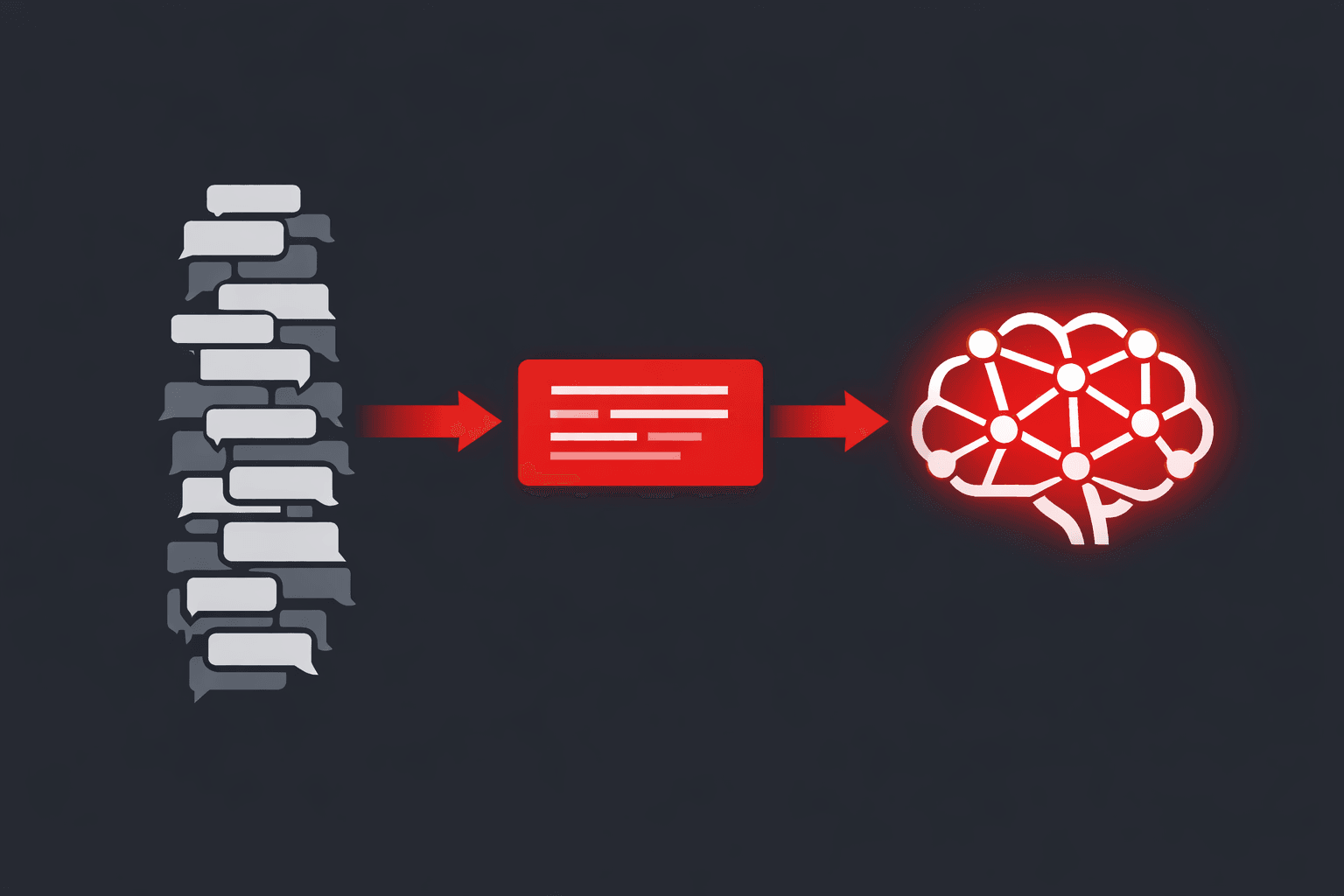
Language models have no memory of their own. Each call is a blank slate; the conversation only exists because you feed the history back in every turn. Do that naively and two things break at once — long chats blow past the context window and start dropping the early details that mattered, and your cost climbs with every message because you're re-sending the entire transcript.
A real chatbot manages this deliberately. It summarises older turns and pulls only the relevant history back in, keeping the model focused on what matters now. Unglamorous engineering — and the difference between a bot that holds a coherent ten-minute conversation and one that loses the thread by message six.
It makes things up
Ask a raw model about your pricing or your policies and it will answer anyway. Fluently. Sometimes completely wrong. For an AI chatbot handling customer support, that's not a quirk — it's a liability.
AI chatbot hallucination is when the model states something untrue with total confidence — a refund policy, a price, a fact it was never given. The fix is retrieval: connecting the model to your real knowledge base so answers come from actual documents, not invention. Done well, the bot cites what it knows and admits what it doesn't. That second half — getting a model to say "I'm not sure, let me hand you to a human" instead of bluffing — takes real evaluation work, and it's exactly the part a quick demo skips.
The bill eats your margin
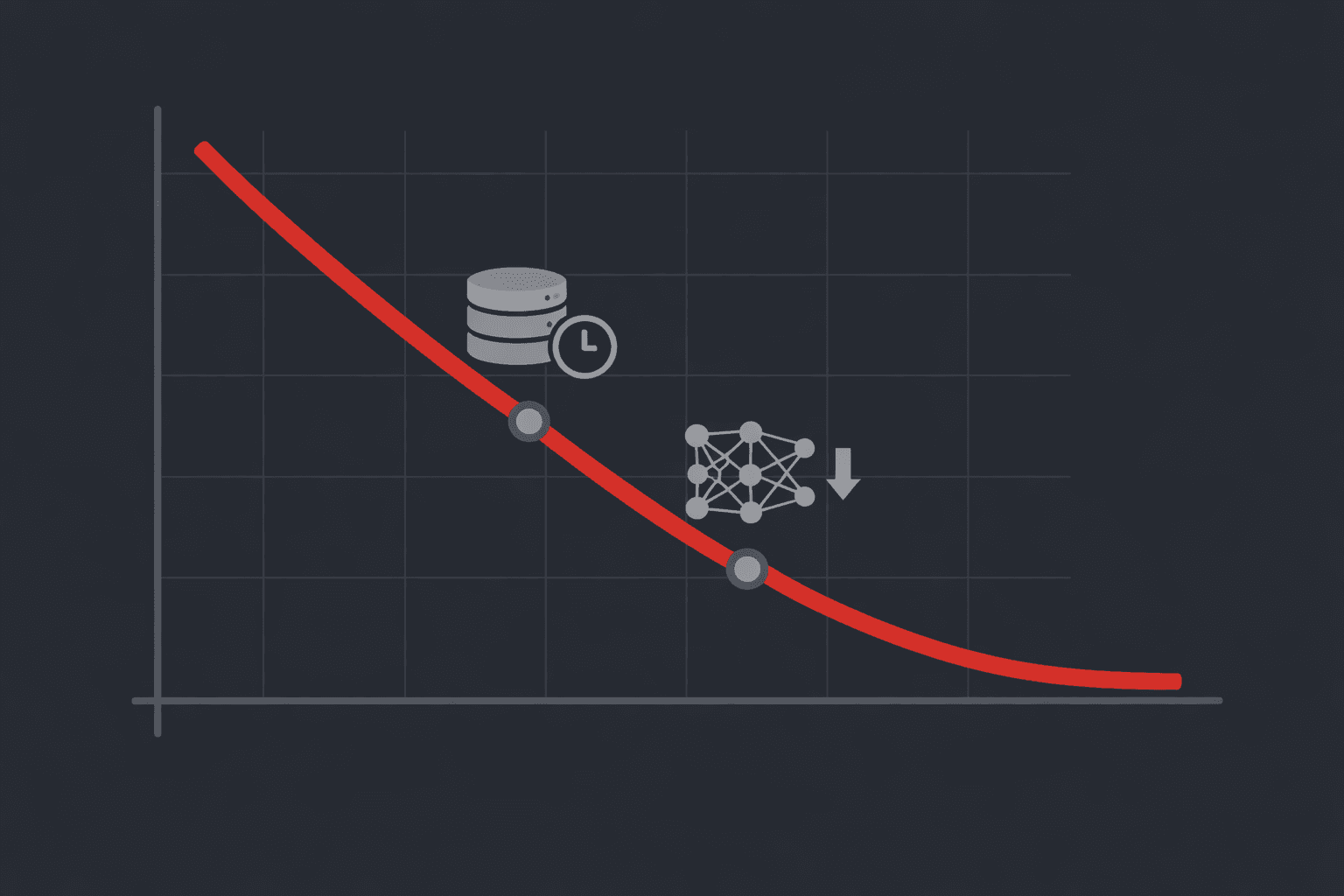
The real cost to build an AI chatbot is rarely the model itself — it's the engineering around it. A demo runs on a few hundred messages and costs almost nothing. Then you launch, usage climbs, and the model bill becomes a line item someone in finance circles in red.
On one conversational platform we worked on, inference was the single largest infrastructure cost in the company — every message hitting the most expensive model, no caching, no cheaper tier in front of it. We routed simple messages to a lighter model and cached the repetitive ones. The bill dropped by more than half and users never felt the change. Cost engineering isn't optional here — it's the line between a healthy margin and a slow bleed.
Don't build what you can buy
Not every chatbot needs a custom build. Want a basic FAQ bot on your marketing site? An off-the-shelf widget will do the job, and you shouldn't pay an engineering team to rebuild it.
Custom AI chatbot development earns its place when the bot is part of your product, not a bolt-on. The quick test:
- Use a widget if — it's FAQ-level, lives on your marketing site, and never touches your internal systems.
- You need a real build if — the bot reaches into your own data, carries your brand voice, handles serious volume, or does something a generic tool simply can't.
If a no-code widget covers it, use the widget. If you've already hit its walls, the memory, grounding, and cost work above stops being a checkbox and becomes the whole job.
How we actually build one
We start by separating the part that's genuinely AI from the part that's ordinary software engineering — and the second part is almost always bigger. The model gets chosen for the job, not for the headline. Around it we build the same way we'd build any product that has to survive real users: auth, analytics, moderation, and a clear plan for when an answer is wrong.
A few habits shape the work. We design for scale from the first week, because we've run conversational AI at the volume where millions of messages move through per day, and the decisions you defer there get expensive fast. We ship web and mobile from a shared React and React Native core, so the bot behaves identically everywhere and you don't fund the same feature twice. And we test against the messy inputs that break a conversation before we call it done — not the tidy ones that flatter it.
What this looks like at real scale
One of the products in our portfolio is a consumer AI companion platform — open-ended conversational characters that millions of people talk to every day. The model was never the interesting part; plenty of teams can call an LLM. The job was keeping latency low and cost sane at that traffic, while moderation ran at scale and the experience held steady across web and mobile as usage climbed month over month.
That's chatbot development in production: the clever part is a small slice, and making it survive the brutal, boring reality of scale is the rest.
Start with the job, not the bot
The best chatbots we've shipped started with a specific job and a number attached — cut first-response time in half, deflect a third of support tickets before a human picks up. Never with "we should add a chatbot." Name the job first. The bot is one way to do it, and sometimes the answer is a simpler tool entirely.
If you're weighing an AI chatbot and want a straight answer on what it'll really take — scope, cost, and the parts most quotes leave out — book a call with our team. We'll tell you if you need a custom build. We'll also tell you if a widget would do.
Before the assistant answers, the page has to load. Our free web performance audit tells you how long that takes on yours: audit.lomray.com.