Transportation App Development: How to Build One Drivers Actually Use
 Melissa AshfordCOO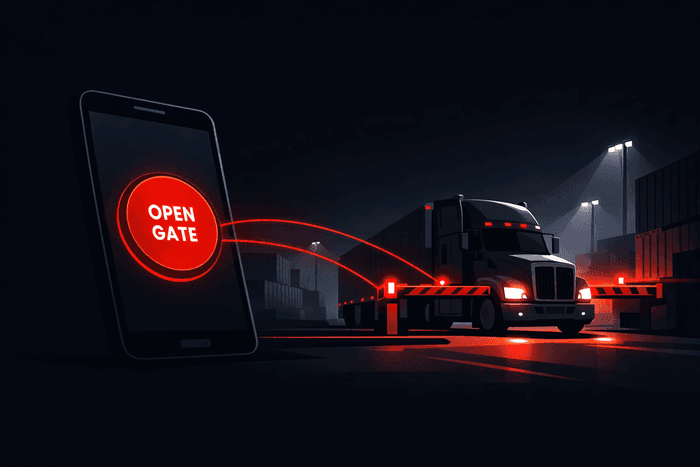
Transportation app development has one failure point that has nothing to do with your stack. It shows up at 2am at a gate: driver in the cab, gloves on, engine running, a truck behind him. If the app asks him to type anything at that moment, he stops using it and calls the number on the sign instead.
That is the real bar. Not whether the build passes in a simulator, but whether a tired person can use it one-handed while a queue forms behind him.
We ship apps for that environment: parking, gate access, fleet, driver-facing logistics tools. What follows is what decides whether one of them survives contact with the road. Some of it comes from a marketplace app we took from empty repo to both stores in three weeks with a team of three.
What a transportation app competes with
Not another app. It competes with a phone call, a paper ticket, a code taped to the barrier and a guy in a booth. Those are slow, but they never crash and they never lose signal.
Which means your app has to be better under bad conditions, not good ones. A flow that works in the office proves nothing about a yard ringed with steel containers.
The four parts that are genuinely hard
Everything else in a transportation app is ordinary mobile work. These four are where projects quietly go over budget.
Location that survives the real world
Consumer apps treat GPS as a fact. In transportation it is an estimate with a radius, and that radius grows exactly where you need it most: between containers, under a canopy, in a concrete structure, next to a metal wall.
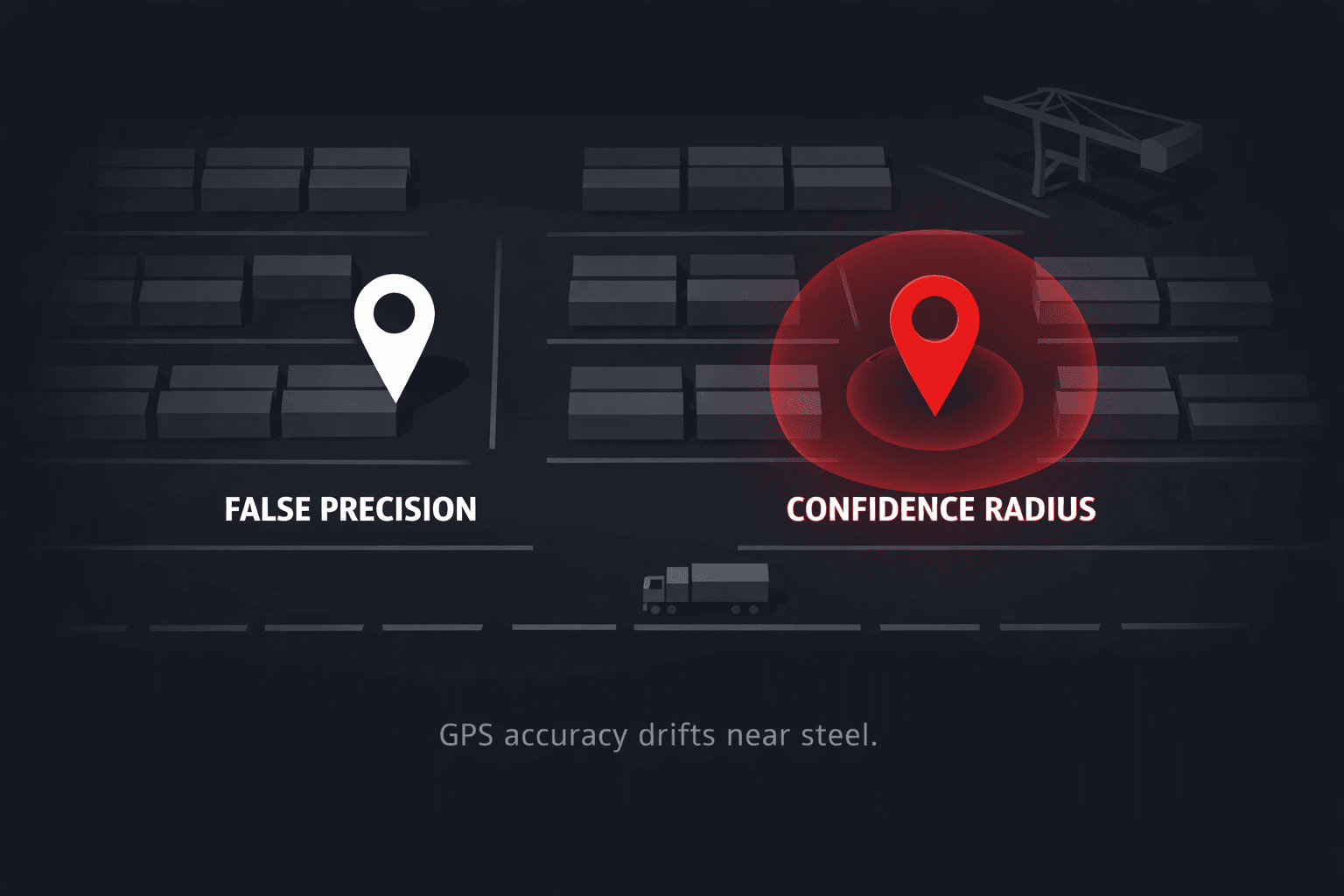
Design around the estimate instead of pretending it away.
Read the accuracy value the OS gives you, not just the coordinates. A fix accurate to 8 metres and one accurate to 90 are different events and should trigger different behaviour.
Match against a zone, never a point. "Inside this yard" is answerable. "At this exact bay" usually is not.
Give the driver a manual override that sits one tap away and does not feel like an error state. He knows where he is. When the phone disagrees with him, he should win.
Decide what happens with no fix at all, because it will happen, and "spinner forever" is the answer most apps ship by accident.
One action, one tap
The app we built had a single job on screen: open the gate. Everything else, including working out where the driver was and confirming he had the right to open that particular gate, happened behind that one button.
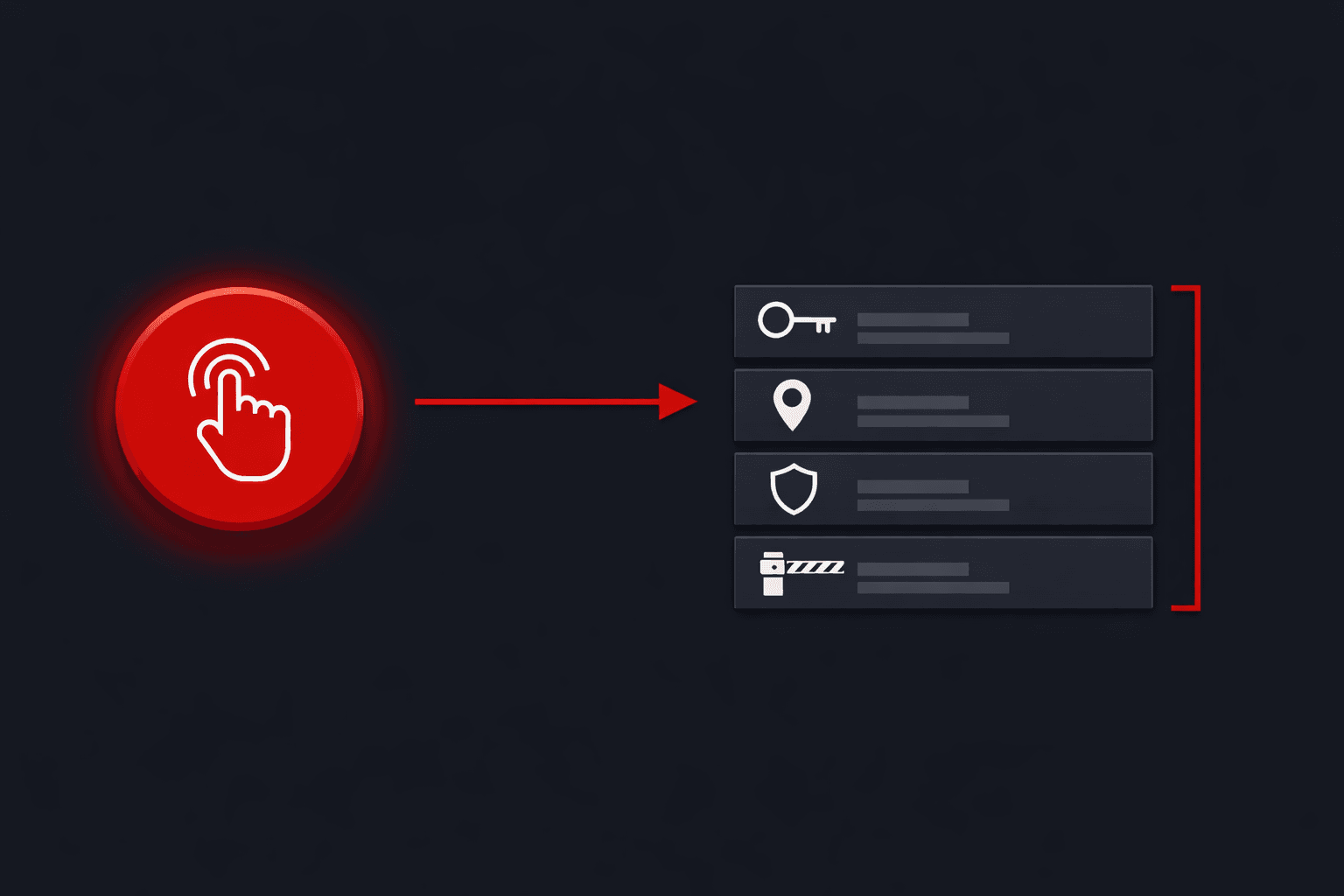
This is the difference between a product a driver keeps and one he deletes. Every step you make visible is a step he performs in the rain. Count the taps between opening the app and the thing he came to do. If the answer is more than two, the design is not finished.
Identity you can trust at a gate
Access control raises the stakes on login. You are not protecting a profile, you are protecting a physical barrier. But heavy authentication kills adoption for exactly the user you need most.
What has worked for us: a phone number plus a one-time code, and a session that stays alive until something meaningful changes. Drivers change phones rarely and forget passwords constantly. Build for that, and keep the sensitive decision, whether this person is allowed through, on the server where a modified client cannot argue with it.
The failure states nobody demos
A demo shows the happy path. Reality is mostly the other paths: no signal in a metal structure, a barrier that does not respond, a permission the driver denied on install, a payment that failed while the truck is already at the gate.
Write those down before you write features. Decide what each one shows the driver and what it lets him do next. This is not polish. On a build like this the unhappy paths are most of the work, and skipping them is why version one gets replaced instead of extended.
What this looked like on a real build
For a truck parking marketplace we delivered iOS and Android in three weeks with three people, roughly 9,850 lines of code. Scope was deliberately narrow: authorization, one-time code verification, geolocation-based parking search, and gate opening in a single tap.
Three weeks was possible because of what we left out, not because anyone typed faster. No admin panel, no chat, no loyalty programme, no map layer nobody had asked for. One flow, finished properly, on both stores.
"Their willingness to work with our requirements and recommend improvements was great." Adrian Rodriguez, Founder, Truck Parking Marketplace Company
The recommending part matters more than it sounds. Half of the value we added was arguing about what not to build.
The stack that holds up
React Native with TypeScript for both platforms from one codebase, which is the right call when the interface is a handful of decisive screens rather than a heavily platform-specific experience. MobX for state. A dedicated geolocation layer rather than location calls scattered through components. Crashlytics from day one. Fastlane, so a store release is a command instead of an afternoon.
None of this is exotic, and that is the point. Transportation apps do not fail because the stack was too plain. They fail because location was treated as certain and the failure states were treated as edge cases.
Budget and timeline, honestly
A narrow driver-facing app with one core action is a matter of weeks. Add dispatcher tools, a back office, live tracking on a map, payments, multi-tenant fleets and integrations with existing telematics, and you are into months, because each of those is its own product with its own edge cases.
If you are pricing this out, our breakdown of what a mobile app actually costs walks through where the money goes.
Before you write a line of code
Five questions. If you cannot answer them, the estimate is fiction.
- What is the one action the driver opens the app to perform?
- What happens when the location is wrong or missing?
- Who is allowed to trigger the physical action, and where is that decided?
- What already exists, such as barriers, telematics or an ERP, that the app must talk to?
- What is deliberately out of version one?
The last one is the question teams skip, and it is the one that sets the timeline.
Where to go next
The build described above is written up in full, with scope and stack, on our transportation app development case page.
If you have a transportation product in mind, whether that is parking, gate access, fleet or driver tooling, tell us what it needs to do. We will come back with scope and timeline, plus a straight answer about what to leave out of version one.